Module 3: RStudio Setup
The RStudio server enables users a stable R environment for conducting analyses on the sandbox. The R studio server session is stored within users home directories, enabling some permanence between RStudio server sessions. In order to leverage the R studio server, users will have to install their own R packages. This module will walk users through basic installation steps needed.
Module Objectives
- Navigate and open an R studio server session on the sandbox platform
- Open the install script provided in the downloaded GitHub repository
- Start installing the R packages needed for subsequent modules
Walkthrough
-
Return to the sandbox dashboard and select the R studio server session
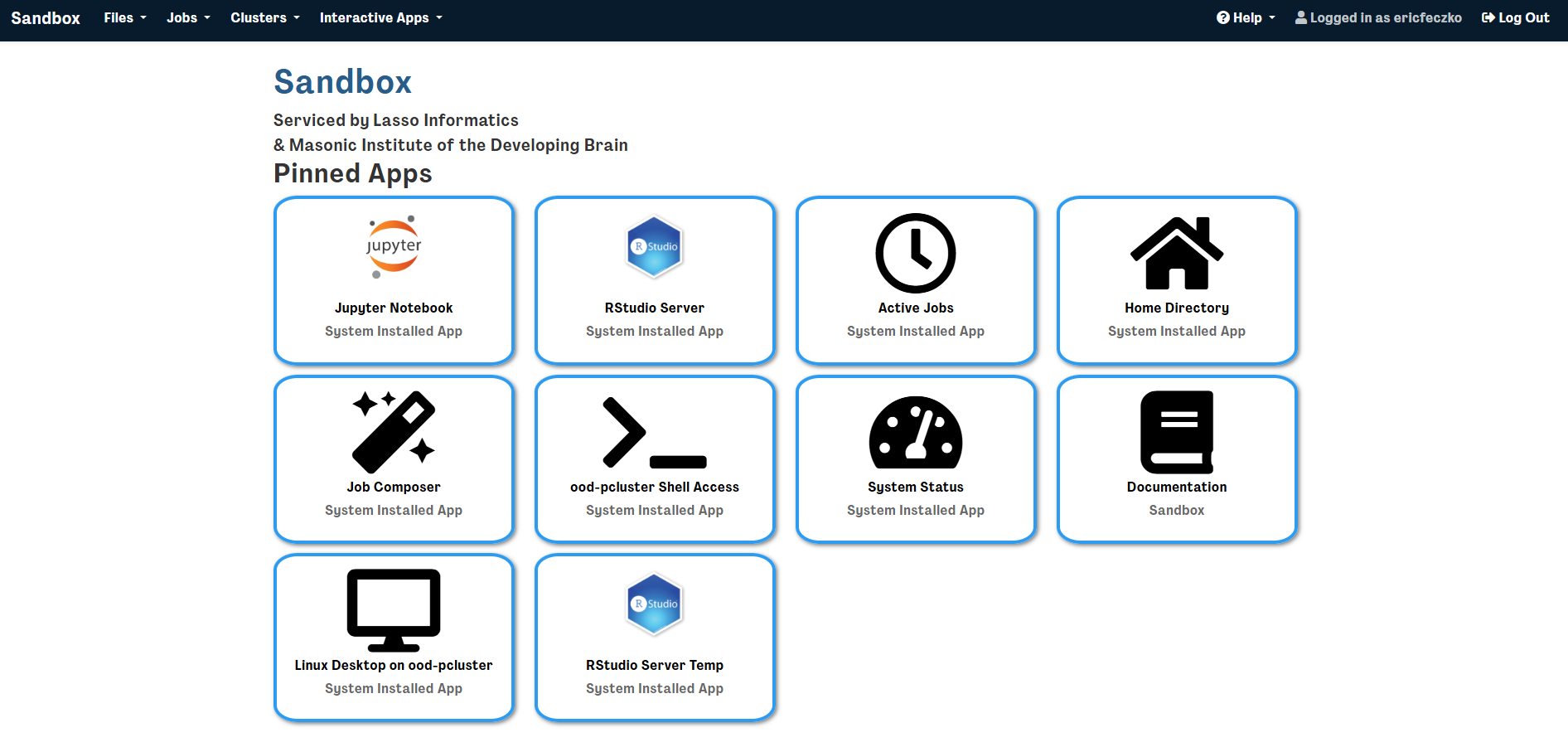
-
This will open a window requesting optional resources and tools, for now we can leave this blank, make sure to have requested at least 2 hours for the session.
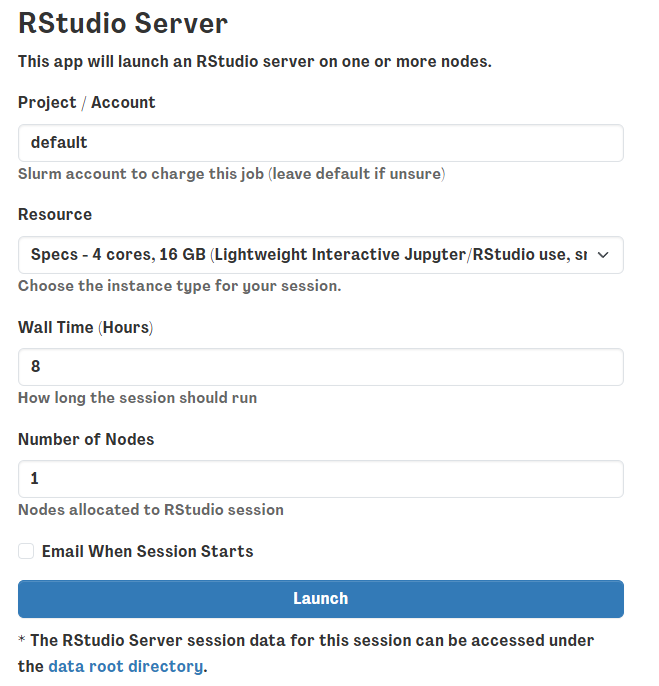
-
This will open an RStudio session. Go ahead and click on it and you’ll have an R studio session loaded like this
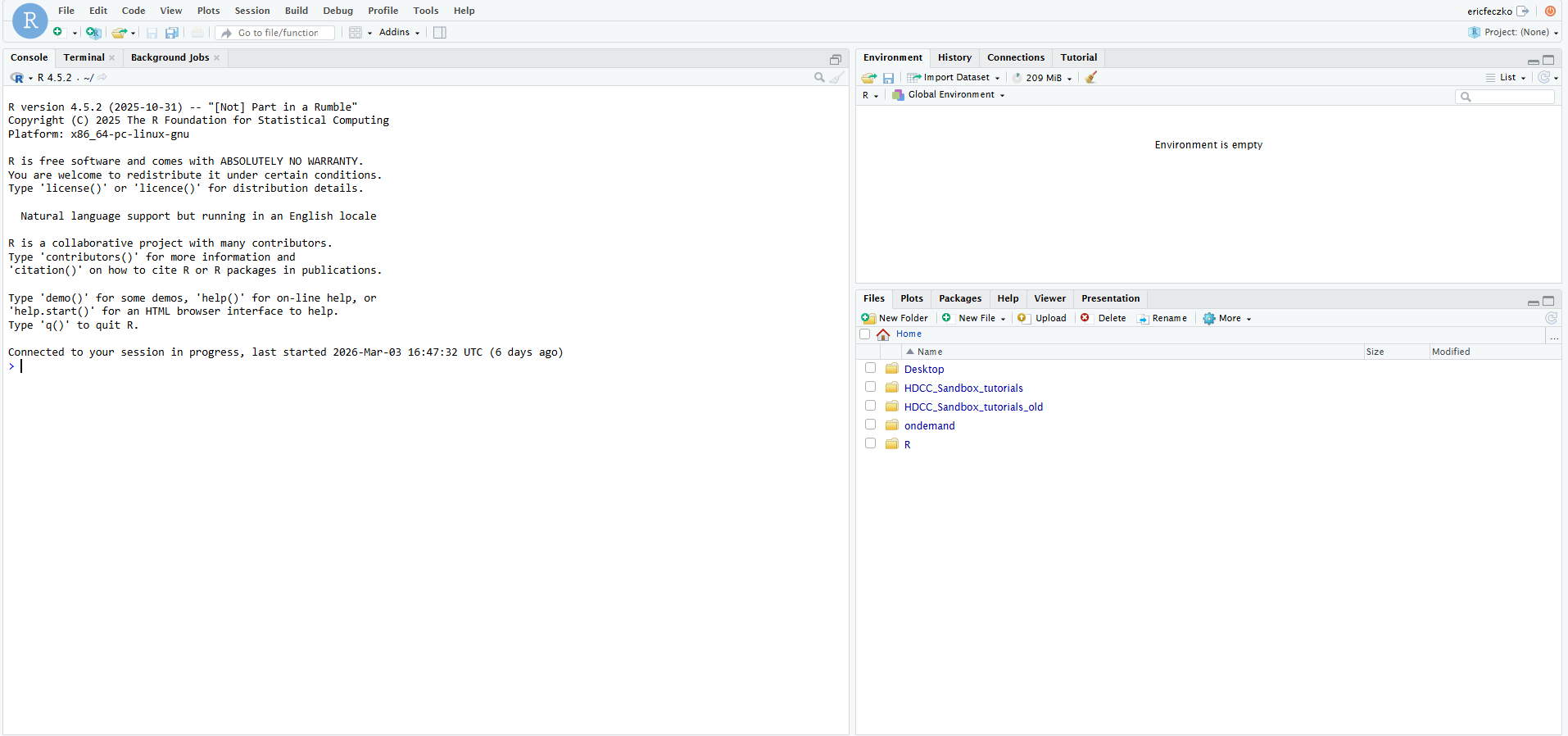
-
In the lower right hand corner, make sure the
filestab is selected and navigate to the “HDCC_Sandbox_tutorial/examples/install_dependencies” and open the R script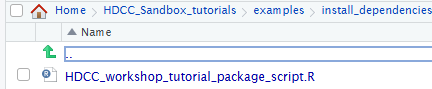
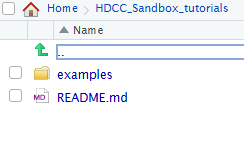
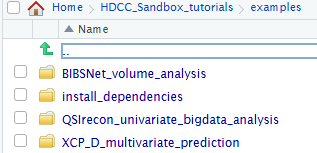
-
This will open a script on the left hand side – go ahead and just run the script; you can run the entire script by clicking the "source" button in the upper right corner of the script window (see latest version of script with documented function of each R package in GitHub repo). Installation time is about 10-20 minutes.
R Packages
R packages installed at the time of the HDCC 2026 Sandbox tutorial include:
install.packages("arrow")      # Loading parquet files into memory
install.packages("cifti")      # Loading CIFTI files (the CIFTI format is our standard for HBCD imaging output files)
install.packages("ciftiTools") # Tools for working with and visualizing CIFTI neuroimaging data
install.packages("data.table") # Helpful for fast data manipulation and reshaping large data frames
install.packages("dplyr")      # Helpful for looping through the same operations multiple times
install.packages("ggplot2")    # For data visualizations
install.packages("ggsci")      # Provides scientific journal color schemes for ggplot2
install.packages("lme4")       # Linear mixed-effects models
install.packages("lmerTest")   # Adds p-values and tests to lme4 mixed models to predict outcomes
install.packages("nlme")       # Nonlinear mixed-effects models (alternative to lme4)
install.packages("plotrix")    # Additional plotting functions to generate heat maps
install.packages("pls")        # Partial least squares regression and PCA-related methods
install.packages("reshape2")   # Reshaping data between vectors and matrices
install.packages("RSpectra")   # Efficient eigenvalue decomposition (data dimensionality reduction)
install.packages("tidyr")      # Tidying and reshaping data, looping multiple operations
install.packages("systemfonts")# Fonts for plots and graphics
install.packages("ragg")       # High-quality graphics rendering for ggplot
install.packages("pkgdown")    # Build static documentation websites from R packages
install.packages("textshaping")# Text rendering support for graphics (used with ggplot, ragg)
install.packages("nloptr")     # Nonlinear optimization algorithms
install.packages("openssl")    # Secure data transfer, encryption, and HTTPS connections
install.packages("devtools")   # Tools for developing, installing, and managing R packages
install.packages("forcats")    # Tools for working with categorical variables (factors)
install.packages("ggtext")     # Improved text formatting in ggplot (markdown, rich text)
install.packages("lubridate")  # Easy handling of dates and times
install.packages("magrittr")   # Provides the pipe operator (%>%) for cleaner code
install.packages("purrr")      # Functional programming tools for iteration and lists
install.packages("readr")      # Fast reading of CSV and text data files
install.packages("stringr")    # String/text processing
install.packages("tibble")     # Modern version of data frames
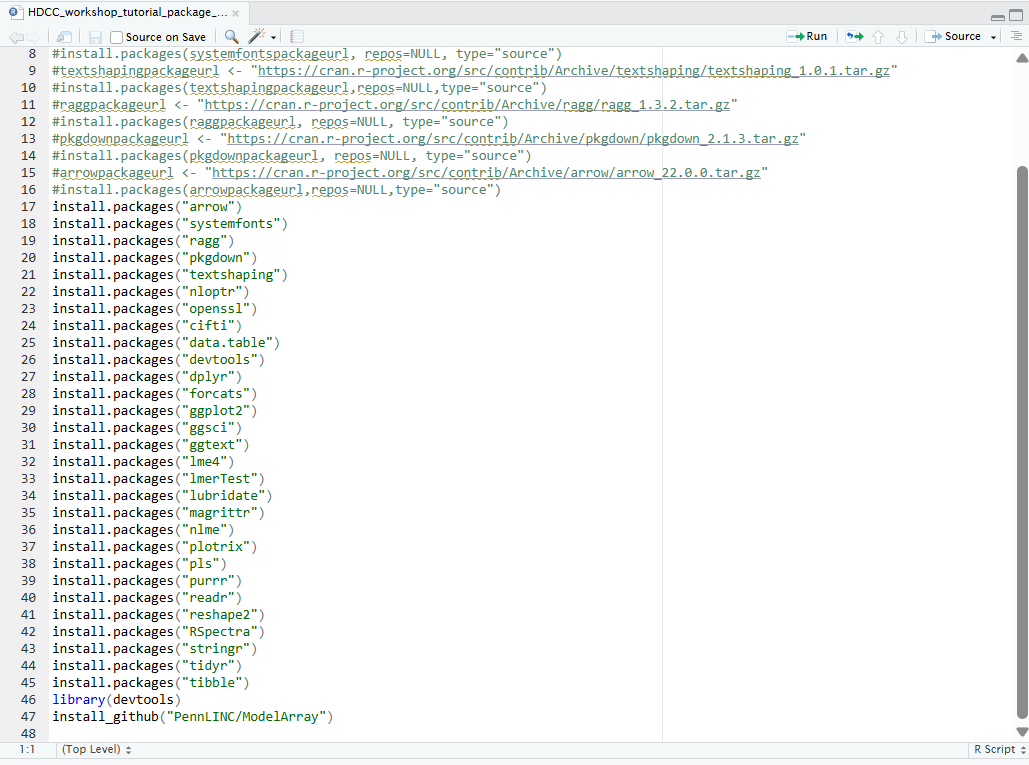
In the meantime we will complete the next section Volumetric Analysis (Jupyter).